Scan and Share, now Scan and Register: OPD registration by QR code
Scan and Share, now Scan and Register: scan the hospital's QR code, share your ABHA profile and get an OPD token. Steps, what is shared, where it works.
Last reviewed:
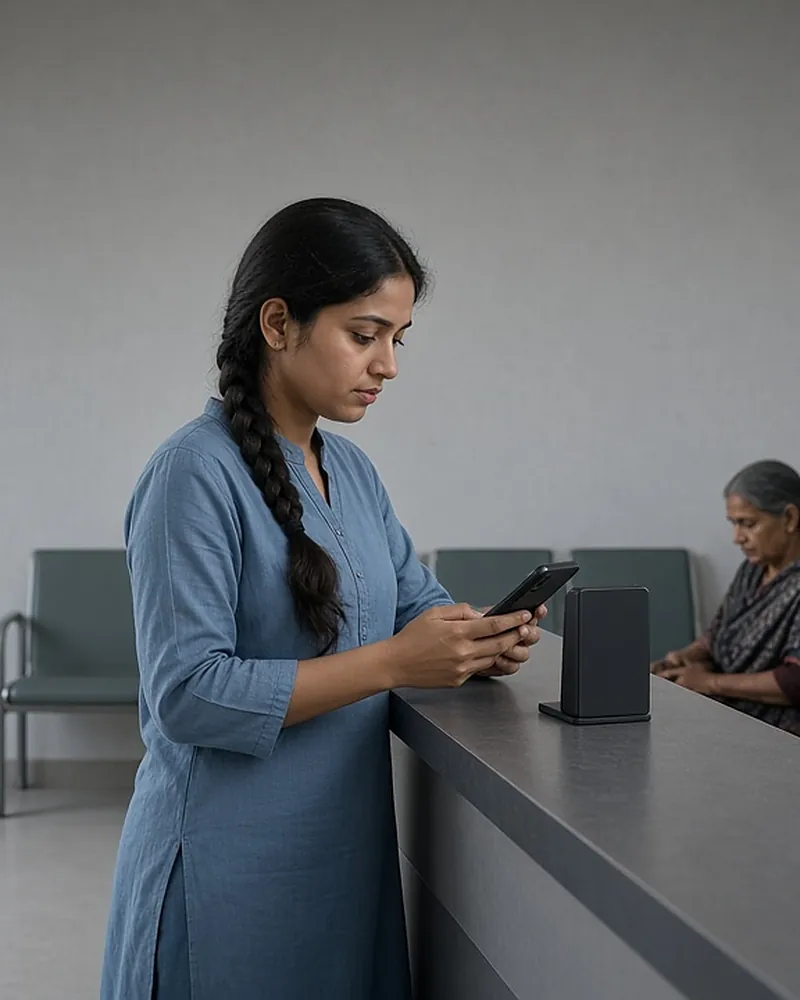
Scan and Share is ABDM’s QR-code registration service for hospital outpatient departments (OPDs): you scan the code at the registration counter with your phone, agree to share your ABHA profile, and the hospital registers you and gives you a token number without a form or a long queue. It is now officially called Scan and Register. A PIB release of 7 August 2026 refers to “Scan and Register Service (earlier known as Scan and Share Service)” and reports that it had crossed 25 crore OPD registrations since its launch in October 2022.
What changed in the name
Nothing about how it works changed with the name. ABDM’s Scan and Register page describes the same QR-based OPD registration service, and its partner page still carries the heading “Scan & Share Journey”. Hospital standees, posters and staff may use either name.
How it works at the counter
- Look for the QR code standee at the OPD registration counter. Each counter has its own code, holding the hospital’s ABDM ID and a counter number.
- Scan it with the ABHA app, Aarogya Setu 2.0 or another ABDM-enabled app. A phone camera or any QR scanner also works; if no compliant app is installed, you are sent to the app store to get one.
- Log in if asked. The app shows which details it will share and with which hospital.
- Agree to share. Your consent covers sharing your ABHA address and profile with that facility for registration, and the facility linking any records it creates.
- Wait a few seconds. The app holds its screen open for 30 seconds while the hospital’s system replies.
- Read your token number on screen or in an SMS, then wait in the designated area until it appears on the display.
- Go to the counter only to pay any fee and collect your OPD card or slip.
The ABDM developer guide for Scan and Register sets out the counter QR, the 30-second wait and the exact profile fields involved.
What you need
- An ABHA address. A Self-Declared one made with a mobile number works, and so does one linked to an ABHA number.
- A smartphone with a camera, mobile data and an ABDM-enabled app.
- A hospital that runs ABDM-compliant software. ABDM’s page says any hospital using an ABDM-compliant hospital management system can offer the service.
If you have no ABHA yet, creating one with Aadhaar takes a few minutes, and the ABHA address can be chosen during that process.
Where it works
According to the August 2026 release, Scan and Register was running at 30,800 healthcare facilities in 36 States and Union Territories and 756 districts: 24,323 public and 6,481 private. Nearly 4 lakh patients used it every day. The release singles out women, senior citizens, expectant mothers and people who visit hospitals often as the patients it helps most, since they no longer stand in a registration queue or fill paper forms on each visit. Because the hospital fetches your details from your ABHA, spelling mistakes in your name or age at the desk also become rarer. It has been set up at AIIMS, Central Government hospitals, State medical colleges, district and sub-district hospitals, community health centres, ESIC and railway hospitals, trust hospitals and private facilities.
| State or UT | Transactions |
|---|---|
| Bihar | over 7.30 crore |
| Uttar Pradesh | 4.09 crore |
| Andhra Pradesh | 3.38 crore |
| Jammu & Kashmir | 1.39 crore |
| Hospital | Registrations |
|---|---|
| AIIMS New Delhi | over 54.29 lakh |
| AIIMS Bhopal | 29.10 lakh |
| AIIMS Bhubaneswar | 23.93 lakh |
| AIIMS Patna | 19.62 lakh |
| AIIMS Raipur | 18.63 lakh |
Does it save time? A study by the Indian Institute of Health Management Research, cited in the government’s backgrounder on ABDM, found that Scan and Share cut patient waiting times from about one hour to 2 to 5 minutes. The same backgrounder counted over 23.21 crore ABHA-linked tokens issued as of 18 June 2026. The August release points to the ABDM dashboard for current figures.
Problems at the counter
- Nothing happens after you agree. The hospital’s system may be slow or offline. Wait the full 30 seconds, then try once more or register at the counter in the usual way.
- No token shown. Not every hospital system returns a token number. Ask at the counter; your details will already be there.
- Wrong details on the slip. The hospital uses your ABHA profile. Fix the profile, then scan again on your next visit. A Self-Declared profile can be edited in the app; a KYC Verified one takes name, birth date and gender from Aadhaar.
- Scanning someone else’s code. Each code belongs to one counter. Scan the code at the counter you are queuing for.
- The phone has no data. The service needs a connection. Ask staff to register you with your ABHA number or address instead.
Privacy and consent
You see the hospital’s name and the exact details before you agree, and nothing is sent until you do. Your records are not shared through Scan and Register; for that the hospital must send a separate consent request, which you can approve, deny or later revoke. The rules on approving and withdrawing access apply in full when you link health records to ABHA.
Scan only codes placed at the official counter. A code stuck elsewhere in a hospital, or sent to you over WhatsApp, is not part of the service.